How to use playlists
Playlists group songs together so you can organize your repertoire and play through it in order.
Create a playlist
- From the upload page, you can create a new playlist from a whole batch of songs, with an optional cover image.
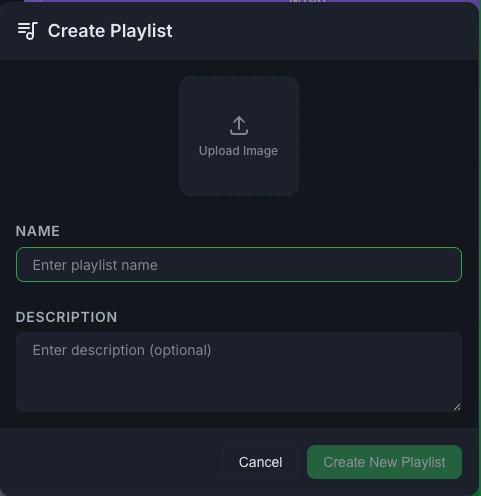
- From the Playlists page, create a playlist and give it a name, description, and cover.
Manage a playlist
Open a playlist to:
- Add or remove songs (search when adding)
- Play All and move between songs with previous and next
- Reorder songs
- Edit the name, description, and cover
- Share the playlist (Pro). See How to share with friends.
Sort your playlists
On the Playlists page, sort by date created or by name.