Getting started
Welcome to CueWee. In just a few minutes you can turn a song into a multi-track session ready for rehearsal or live performance, with click and voice guide aligned to the music.
1. Create your account
- Go to studio.cuewee.app and sign in. CueWee also runs as a desktop app for macOS and Windows and as mobile apps on the App Store and Google Play.
- Every new account gets 5 free songs to try the platform, no credit card required. This is a one time allocation, not a monthly one.
- Verify your email before uploading your first song.
2. Upload your first song
- Click Upload Song in the top bar.
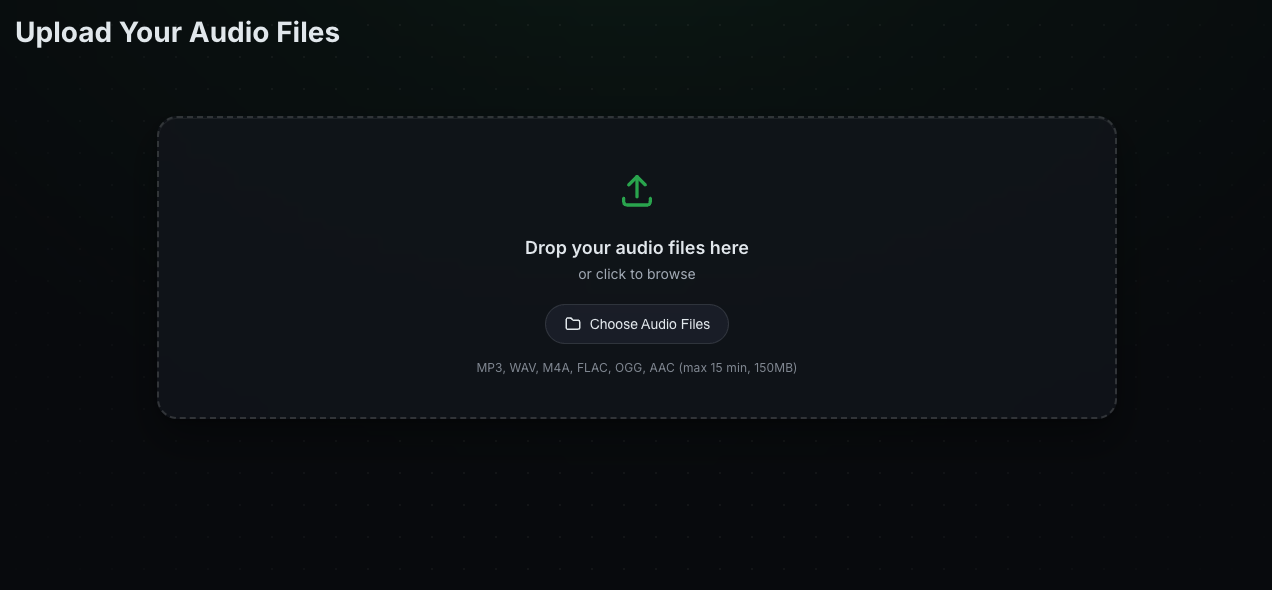
- Drop the audio file on the indicated area (or click Choose Audio File).
- Accepted formats: MP3, WAV, M4A, FLAC, OGG, AAC. Limit of 15 minutes and 150 MB per file.
- CueWee detects BPM, key, and duration automatically.
💡 Tip: start from a file that is not maxed out or distorted. A recording with a little room left before its loudest point separates more cleanly.
3. Choose the processing mode
You can let CueWee detect everything on its own or pick the instruments manually:
- Auto mode (recommended) — CueWee analyzes the song and separates the instruments it detects. Best for most cases.
- Manual mode — turn off Auto mode to choose exactly which instruments you want to separate. Useful when you know certain instruments are not in the song — saves processing and simplifies the session.
See the full walkthrough in How to process a new song.
Already have the song separated? On the Pro plan you can skip separation entirely and upload your own tracks instead. See How to import your own tracks.
4. Play, edit, and export
When processing finishes, you’re taken to the player. There you can:
- Play, mute/solo tracks, adjust volume and pan;
- Edit sections (intro, verse, chorus, bridge) on the guide track;
- Record your own spoken guides;
- Edit tempo with the editing tool;
- Export in WAV or MP3 (mix, L/R, or individual tracks in ZIP);
- Share with your band.
Check out all tutorials in Tutorials.